Delete national project with online document
In this article
This article is relevant to:
ISOlutions OSD national pilot members, specifically for users, that have the required permissions needed to create national projects, including:
- User administrator(s) of the national standards body (NSB)
- National secretary of national committee(s)
- National secretary support team of national committee(s)
Delete national project with online document
- Go to the national project page
-
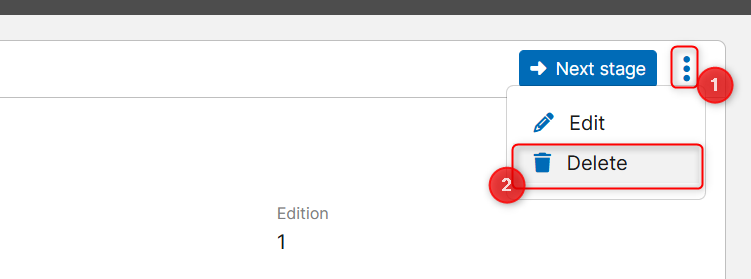
From the top right section of the page, click the 3 dots menu and select Delete.
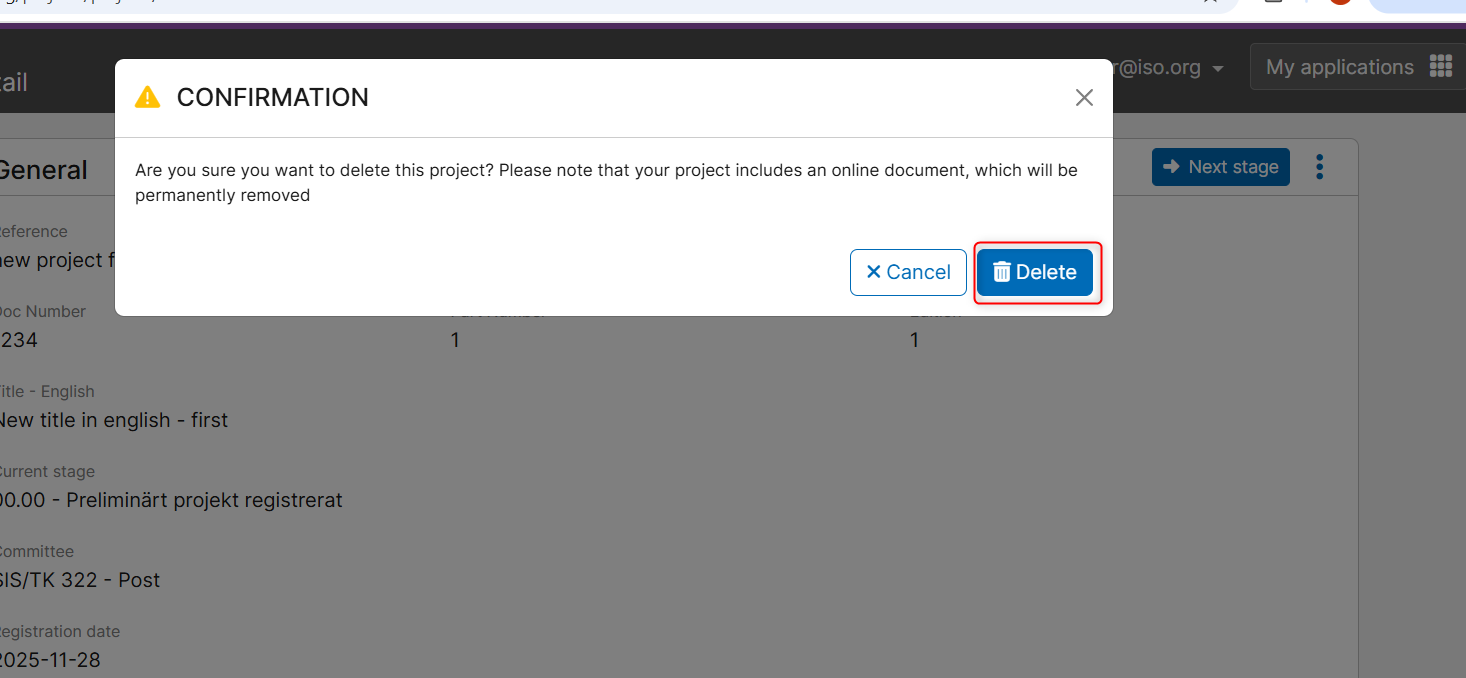
- A pop-up window with a confirmation message is displayed informing the user that the selected project has an online document, and choosing to delete will also remove the online document permanently.
- Click on the Cancel button to not continue with the deletion.
-
Click on the Delete button to confirm the deletion.